Graduate Career Development
Personalized Guidance to Achieve Your Career Goals
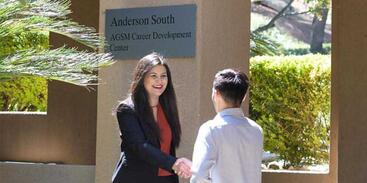
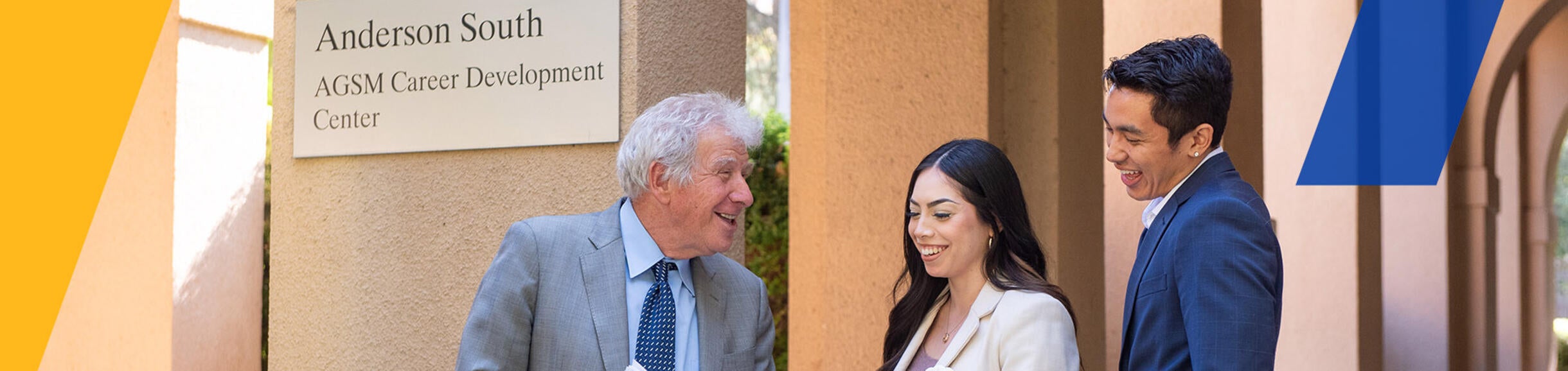
At the A. Gary Anderson Graduate School of Management’s (AGSM) Career Development Center (CDC), we give you the personalized career attention you need to land your dream internship and job. We’re your graduate business student support center ― helping you succeed in internships, job searches, and business careers.
The Career Development Center provides resources and services tailored to help you build a meaningful career in your chosen business field through:
- One-on-one career coaching: Career Development Center career coaches will work with you to develop your career plan, create a professional resume and cover letter, and practice your interviewing skills.
- Group workshops: We offer a variety of workshops on topics such as resume writing, interview skills, personal branding, job search strategies, and networking.
- Industry connections: We have an extensive network of industry contacts who are eager to hire our students for exciting business careers. We regularly send carefully curated resume submissions of top candidates to our employee partners, and employers may also post directly to the live job board we maintain at the Career Development Center.
We’re with you every step of the way to help you reach your internship and career goals.
Drive Your Career with Real-World Opportunities
Your professional and personal development is just as important as your core courses and academic work. The skilled staff at the Career Development Center can help you with your job search.
Three unique experiential programs offer you real-world experiences and ways to grow your network:
Explore the AGSM Career Development Center at UCR


School of Business Career Development Services

Get Personal Career Coaching
>>
Explore Your Best Career Path
>>
Stand Out with Resume and Cover Letter Reviews >>
Build Confidence with Mock Interviews
>>
Recent MBA Grad Data
Employment by Job Function
Employment by Industry
Get Results with the Career Development Center
Our graduate business student career center has helped our graduates find exciting and lucrative positions at companies such as:



- CI Holdings
- Citizens Business Bank
- CISCO
- Dell
- Deloitte
- Dr. Pepper / Snapple
- eBay
- Epic
- ESRI
- EY
- JP Morgan
- Kaiser Permanente
- KPMG
- Niagara Bottling
- P&G
- Red Bull
- Target
- Wells Fargo
- Wetzel Pretzels
- Walmart
- Unilever
Gain Practical Experience Through Internships
All AGSM students are encouraged to pursue an internship during their graduate business experience to apply their learnings and expand their professional experience. And our CDC is here to help you land a great internship during your program! MBA and PMBA candidates in particular are required to complete an internship or work project and take the Fieldwork in Management course. Find out more about the Fieldwork in Management requirements.
Upcoming CDC & AGSM Events
Access Career Development Center Resources Through Handshake
Handshake is UCR's online platform where graduate students, alumni, and employers can search for jobs and internships. Please click below to log in to your Handshake account:
Career Development Center
Anderson Hall South | 900 University Ave | Riverside, CA 92521
Office Hours
Monday – Friday: 8:00 am – 5:00 p.m. (closed during breaks and holidays)
Drop-In Hours
Tuesday - Thursday: 4:00 - 5:00 p.m.
Email: agsmcareercenter@ucr.edu

Sabine FreijActing Director of the AGSM |

Vanessa LeeCareer Specialist - Graduate Students |
View our CDC & AGSM Advising Instagram Feed
Stay up to date on events, workshops, featured students and alumni, and more CDC and AGSM programs and opportunities.